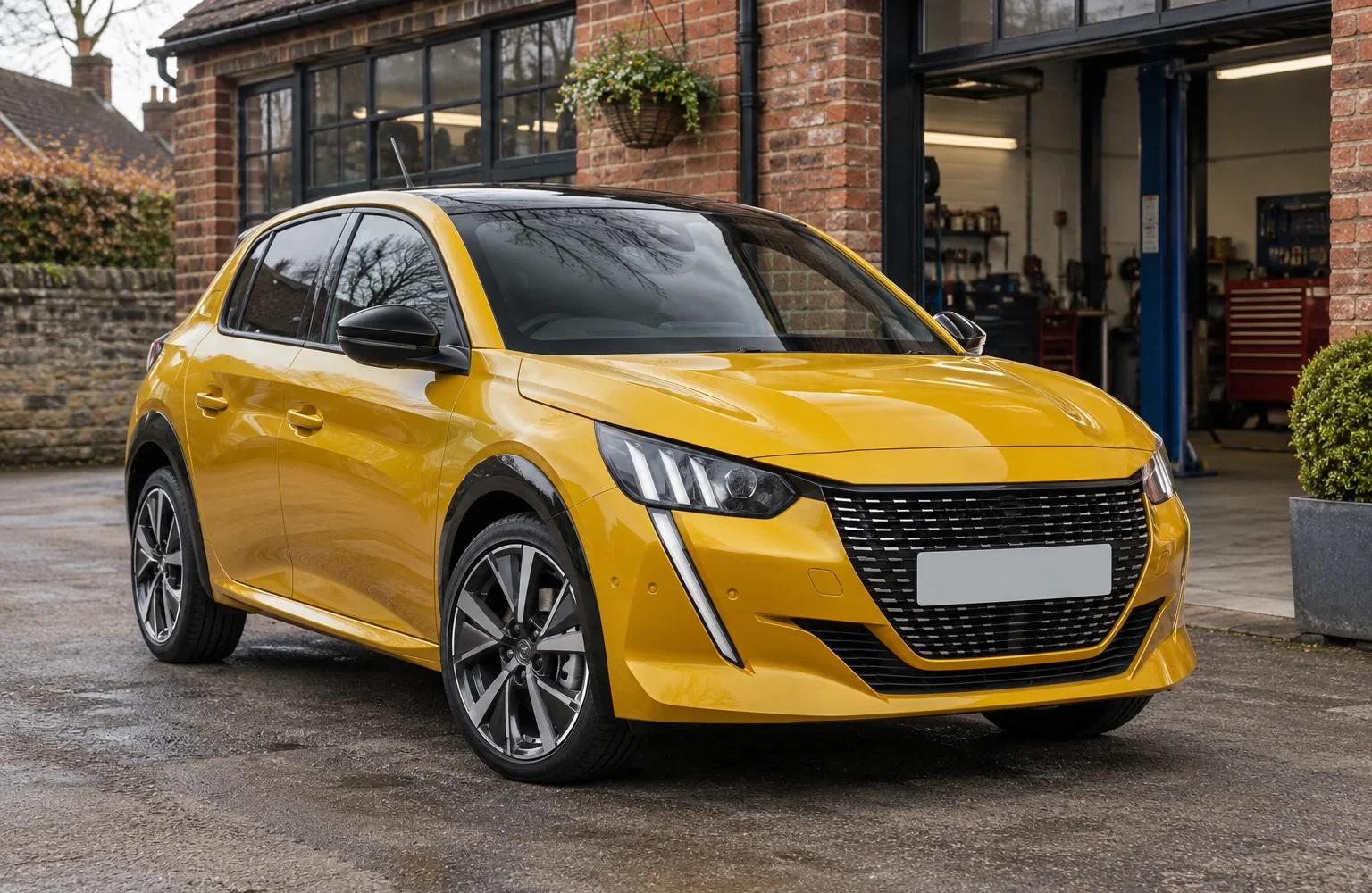
Before comparing used Peugeot 208 prices, establish which powertrain the advert describes and sit in the car. A suitable engine on paper does not resolve a driving position that leaves the instruments awkward to see. Equally, a familiar trim badge does not tell you which transmission or display is fitted.
This guide concerns the generation announced in 2019, with UK deliveries beginning in early 2020. It uses period specifications to help identify used examples, rather than treating the launch range as a list of every later version.
Start with the engine and gearbox, not the trim name
Peugeot’s UK launch announcement covered 1.2-litre PureTech petrol versions, a 1.5-litre BlueHDi diesel and the electric e-208. Within the petrol range, the 75 version had a five-speed manual, the 100 offered a six-speed manual or eight-speed EAT8 automatic, and the 130 used EAT8. The BlueHDi 100 had a six-speed manual. Those differences make a listing that merely says “208 Allure” incomplete. [1]
| Advert description | Ask the seller for | Why it matters |
|---|---|---|
| PureTech petrol | Engine output, transmission and service invoices | Compare the same version across adverts |
| BlueHDi diesel | Exact engine identity and maintenance record | A petrol-car service assumption is not enough |
| e-208 electric | Battery assessment evidence and supplied charging equipment | A trim description does not describe battery condition |
| Any version | Registration, model year and photographs of the actual cabin | Stock images can conceal equipment differences |
Ask the seller to resolve inconsistencies in writing. If the advert, invoice headings and vehicle description disagree, pause the comparison until the precise version is clear. A low asking price is difficult to judge when you are comparing different cars under the same name.
Give the driving position a proper trial
The compact steering wheel and raised instrument arrangement are central to Peugeot’s cockpit design; screen and display equipment varies across the range. Do not assume that a photograph of one trim represents another car. [1]
With the car parked, find a comfortable seating position and check the view of the instruments from there. Notice whether you have to alter a comfortable posture just to read them. Repeat the exercise for another regular driver: their conclusion may be different.
Also check the controls you expect to use regularly. Ask the seller to demonstrate the fitted touchscreen and phone connection with your own handset, where possible. Separate equipment that is absent from equipment that is present but does not work. Record any promised correction before agreeing a purchase.
Match the paperwork to this car
Read service invoices for dates, mileage and the work recorded, rather than accepting a folder’s thickness as evidence. Ask Peugeot which maintenance schedule applies to the identified engine and vehicle. This guide does not establish the condition of a particular engine or electric battery.
Use the official MOT-history service to compare recorded mileage and test outcomes, and the official recall service to check for unrepaired safety recalls. Neither replaces the car’s service evidence. [2] [3] Our car-viewing checklist helps keep the wider inspection organised.
What if the cockpit suits me but the service history is incomplete?
Treat these as separate decisions. A comfortable driving position is a reason to keep considering the model; it does not resolve missing maintenance evidence. Ask for the missing records and consider an independent inspection before committing. Do not turn a successful seating trial into a verdict on mechanical condition.