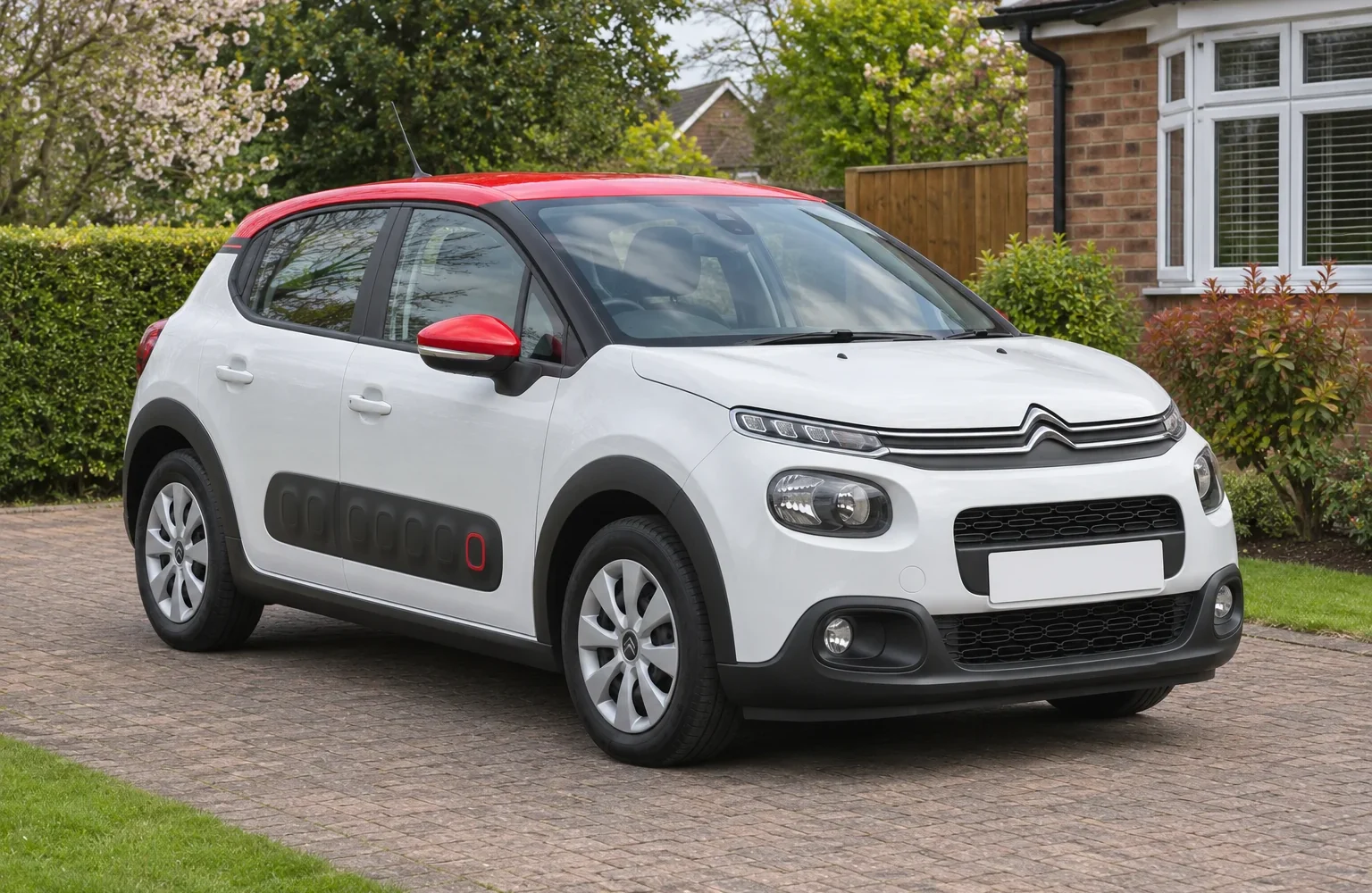
A used Citroen C3 viewing should establish which generation you are looking at before judging its equipment. For the design launched in 2016, organise the checks around the actual car: its identification, the features you need, the servicing evidence and any current recall instructions.
Confirm the generation before comparing adverts
Citroen dates the third-generation C3’s launch to November 2016 and describes a subsequent update in 2020. A registration year alone is therefore a poor substitute for identifying the car’s design and specification. [5] Request clear front, side and dashboard photographs, then match the vehicle identification number, or VIN, with its documents at the viewing.
The 2016 UK reveal described a five-door hatchback and a range including PureTech petrol, BlueHDi diesel and EAT6 automatic versions. It also showcased personalisation and connected equipment. Treat that announcement as background to the range, rather than a list of features fitted to every used example. [1]
Settle recall instructions before a test drive
Use Citroen’s current VIN checker, as well as the official recall lookup. The manufacturer’s Takata information identifies affected C3 Phase 2 vehicles and gives stop-drive instructions where applicable. Do not classify an individual car from an advert’s year or a seller’s informal description. If the VIN result says not to drive, follow that instruction and arrange the required action with Citroen. [4] [3]
Ask the seller to provide evidence of completed recall work where relevant. If the position cannot be established, postpone the driving demonstration. This guide does not certify any C3 as clear of recalls or mechanically safe.
Check the features you will actually use
Write down your essential equipment before viewing. Turn each item into a demonstration request: phone connection, heating controls, parking assistance or a particular camera function. Check these while the car is safely stationary, with the seller’s permission.
One naming trap deserves attention. The ConnectedCAM described in the launch material sits behind the rear-view mirror; it should not be mistaken for a reversing camera. [1] If an advert simply says “camera”, ask which function it means and see that function demonstrated. Likewise, photographs of a contrasting roof or Airbump panels do not establish the rest of the specification.
| Item | Question to resolve |
|---|---|
| Identity | Do the VIN, registration and full engine description agree across the car and paperwork? |
| Maintenance | Which dated invoices or service entries describe the work actually completed? |
| Recall position | What does the current VIN check require, and what completion evidence is available? |
| Advertised equipment | Can the seller demonstrate the precise function being promised? |

Read invoices for their content
Arrange the available records by date and mileage. Look for unexplained gaps and ask which workshop can clarify an entry. A stamp or a seller’s phrase such as “fully serviced” gives you less detail than an invoice describing the work. Ask for the applicable maintenance requirements for the exact engine; this article does not prescribe intervals or diagnose engine condition.
The government MOT history provides recorded test results and mileage. Keep it alongside the service records, rather than treating it as a replacement. [2] Use our questions to ask when buying used to organise unresolved points before discussing a commitment.
What if a useful feature cannot be demonstrated?
Record it as unverified. Ask whether the seller can provide the relevant manual, restore normal operation or arrange a later demonstration. Do not value an unverified camera or connected function as working equipment simply because a range brochure mentions it.
Finish by listing the documents and accessories that will accompany the car. Request any promised follow-up evidence before the purchase decision, especially when it affects identity, maintenance or recall instructions.